Tag Archives: Functions
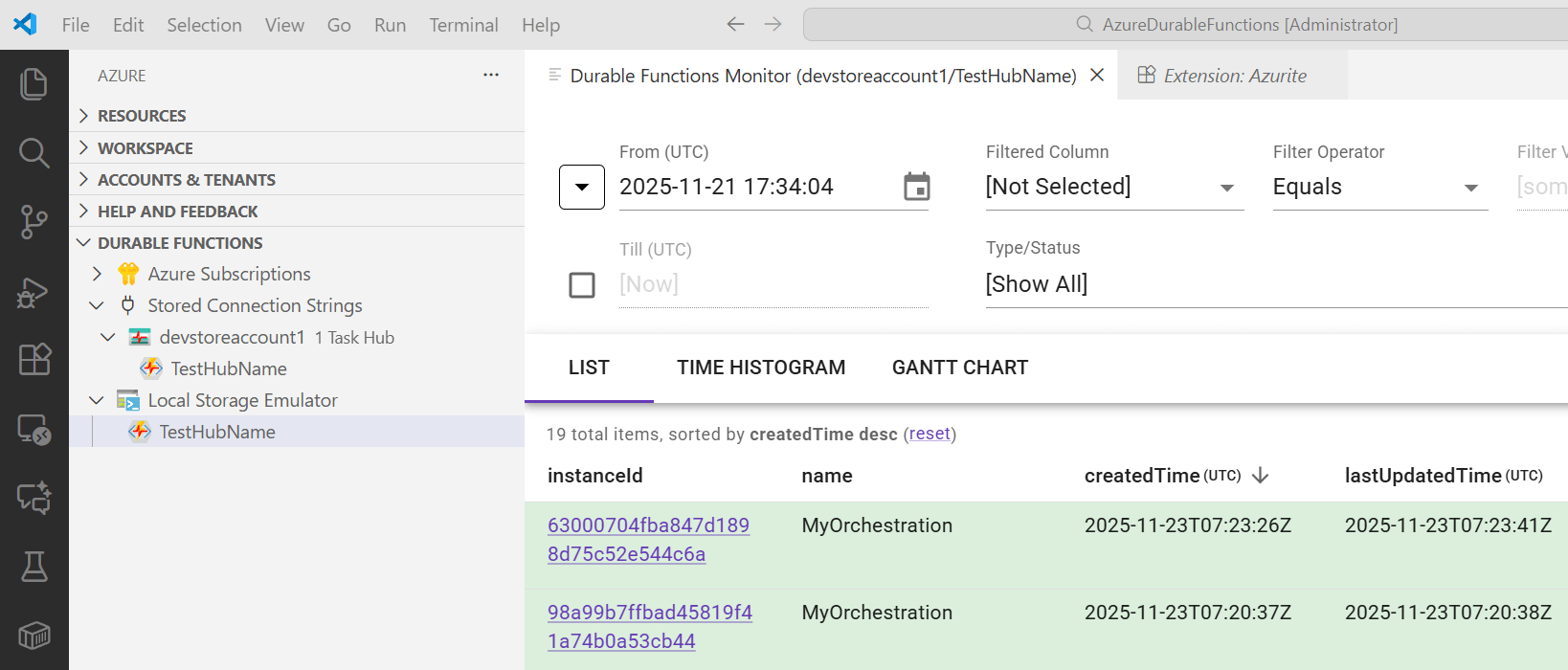
Azure Durable Functions Monitoring and Diagnostics
This post looks at monitoring Azure Durable Functions, highlighting practical techniques and tools that can help ensure reliability and performance. It also demonstrates how diagnostic APIs can be integrated to provide deeper insights into function execution, state management, and error handling, enabling developers to build more resilient and observable workflows. Code: https://github.com/damienbod/AzureDurableFunctions History Posts in […]
Create, Build, Deploy and Configure an Azure Function with Azure DevOps and Azure CLI
This post shows how to create, build, deploy and configure an Azure Function using Azure DevOps, Azure CLI and Powershell. An Azure Function is created in Azure using Azure DevOps with Azure CLI and Powershell. The Azure Function (V3) project is created and built using Visual Studio and C#. This project is deployed to the […]
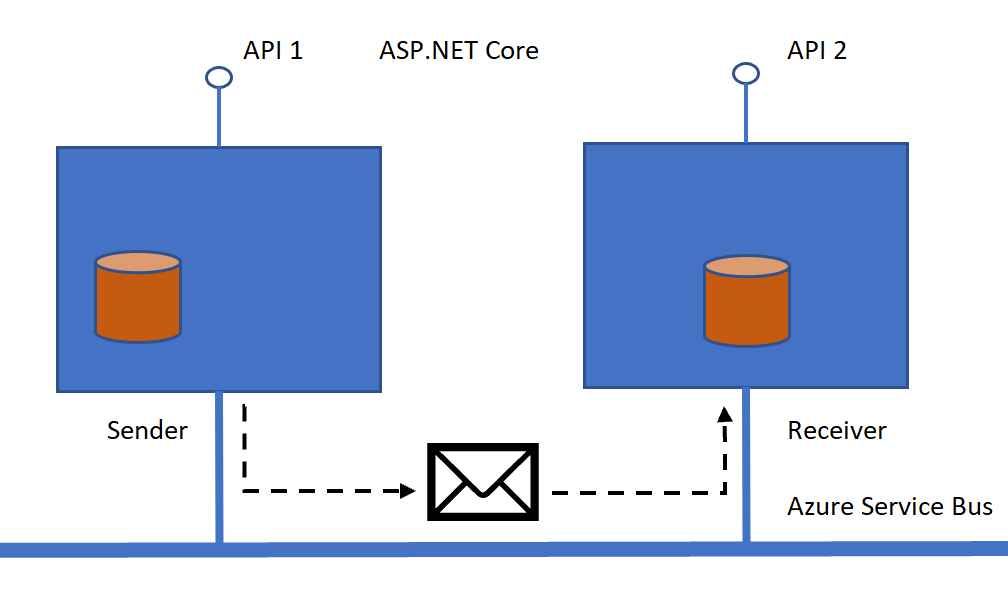
Using Azure Service Bus with restricted access
Azure Service Bus provides many ways to setup different access levels for all types of things like the bus itself, queues, topics or subscriptions. In this post some of the ways to configure the different access levels for a queue sender will be shown. In this demo we want to allow only send access rights […]
Using an Azure Service Bus Topic Subscription in an Azure Function
This post shows how to consume Azure service bus topic subscriptions in an Azure function. Code: https://github.com/damienbod/AspNetCoreServiceBus Posts in this series: History Processing the Azure Service Bus Messages in an Azure Function Setting this up could not be easier. In Visual Studio, create a new Azure function project, and then create a new Azure function […]
Running Local Azure Functions in Visual Studio with HTTPS
This article shows how to setup a Visual Studio Azure Functions project to work with HTTPS for local development. HTTP is configured per default and not HTTPS. The command line arguments need to be set correctly, and then the Azure Functions can be started in Visual Studio with HTTPS and take advantage of the break […]

 Software Engineering