This posts shows how to migrate a repository from GitHub.com to GitHub Enterprise Cloud (GHE.com). The migration transfers the repository and its associated data to the GitHub Enterprise environment while preserving project continuity and maintaining access for authorized users.
Step 1: Install required tools for the GitHub migration.
Install the required tools for the GitHub migration in advance, including PowerShell and the GitHub CLI (gh). Ensure both tools are installed and available from the command line.
winget install --id GitHub.cli --source winget

gh extension install github/gh-gei
Step 2: Create the GitHub.com, GHE.com Access Tokens
Create a Personal Access Token (Classic) on GitHub.com/ghe.com for both the source and destination. Ensure that you select Personal access tokens (classic) and not a fine-grained personal access token, as the migration process requires a classic PAT. When creating the token, grant the required permissions as specified for the migration and store the token securely, as it will only be displayed once. (Personal access tokens (classic))
Source:
https://github.com/settings/tokens
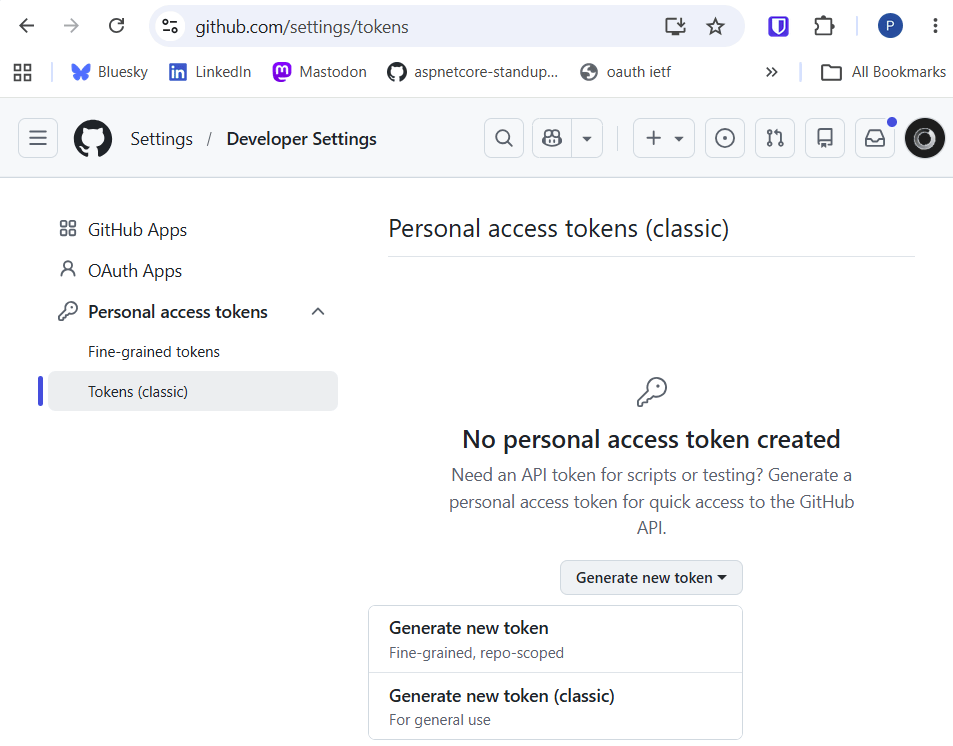
Select the required source scopes:
- repo
- admin:org
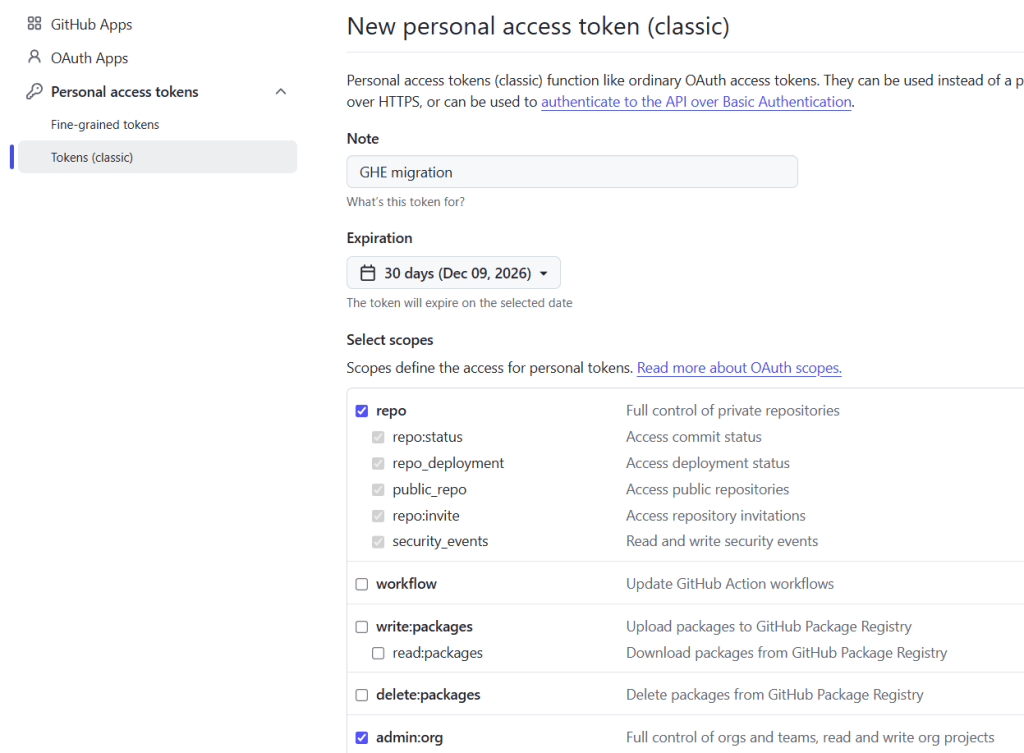
Destination:
Do the same for the destination GitHub Enterprise:
https://{your-enterprise}.ghe.com/settings/tokens
Required scopes for the destination:
- repo
- workflow
- admin:org

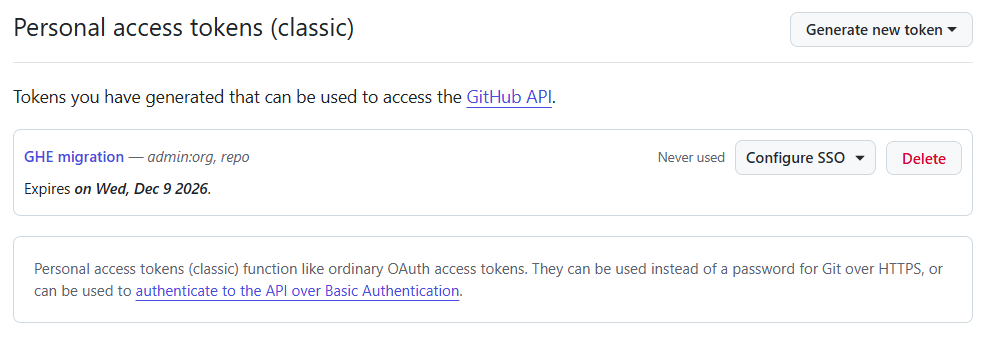
Step 3: Configure SSO
Ensure that SSO is configured and authorized for both Personal Access Tokens (PATs) in the GitHub UI. Select the correct SSO for the target and destinations GitHub enterprises.
Step 4: Migrate the repository
I use Powershell for this. Add the two tokens:
$env:GH_PAT="TOKEN"
$env:GH_SOURCE_PAT="TOKEN"
Run the migration using the correct parameters for your setup.
gh gei migrate-repo --github-source-org SOURCE
     --source-repo CURRENT-NAME
     --github-target-org DESTINATION
     --target-repo NEW-NAME
     --target-api-url "TARGET-API-URL"
Step 5: Validate the new repository and delete the tokens
Validate that the repository was correctly migrated and delete the two PAT from GitHub and GHE.
Notes, troubleshooting
If you get this error the following error, configure the SSO for your PAT.
[2026-11-09 13:10:54] [ERROR] Resource protected by organization SAML enforcement.
You must grant your Personal Access token access to this organization.
PR Error: Adjust the GHE settings.
Error during migration: Git source migration failed. Error message: Push error: Errors reported by remote:
error: GH013: Repository rule violations found for refs/heads/main.
error: GH013: Repository rule violations found for refs/github-services/pull/1/head.
References rejected by remote:
main => push declined due to repository rule violations
refs/github-services/pull/1/head => push declined due to repository rule violations
FIX:
Open the Enterprise and reset the repository settings.
https://{your-ghe}.ghe.com/enterprises/{–name–}
enterprises/{your-ghe}/settings/policies/repositories
Disable all the custom defined rulesets and do the migration. When complete re-enable the rulesets.
Already exists:
[WARNING] The Org ‘{org-name}’ already contains a repository with the name ‘RepoName’. No operation will be performed
Delete the repository in the destination GHE organisation.
Links
https://docs.github.com/en/migrations/using-ghe-migrator
https://github.com/cli/cli/blob/trunk/docs/install_windows.md#winget


