In order to use FileTables, the following four steps must be completed, in order:
1. Enable FileStream at the instance Level
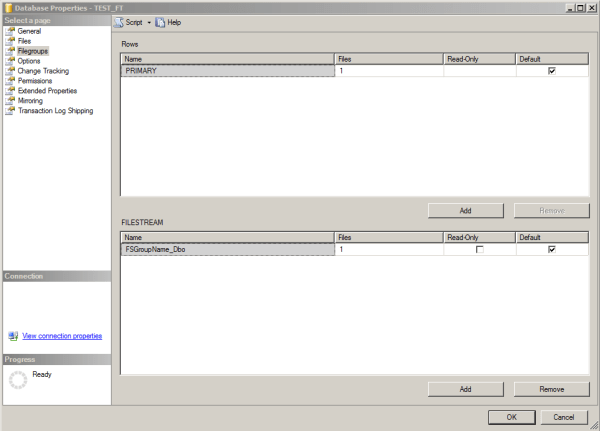
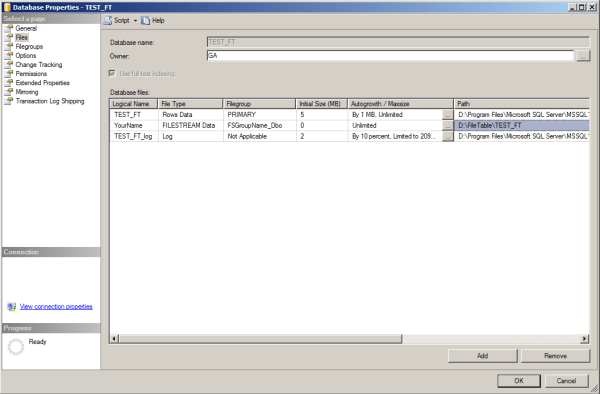
2. Provide a FileStream Filegroup
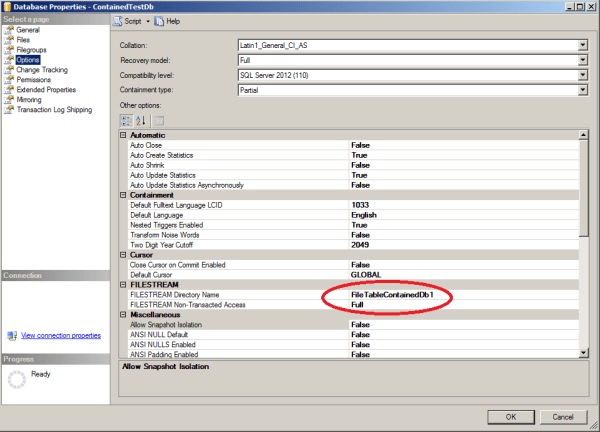
3. Enable Non-Transactional access and specify FileTable directory at the Database Level
4. Create a FileTable
ALTER DATABASE
ADD FILEGROUP
CONTAINS FILESTREAM
GO

-- D:FileTableContainedTestDb must exist
ALTER DATABASE
ADD FILE
(NAME = 'YourName' , FILENAME = 'D:FileTableContainedTestDbFS')
TO FILEGROUP
GO

ALTER DATABASE DbInstanceName
SET FILESTREAM( NON_TRANSACTED_ACCESS = FULL, DIRECTORY_NAME = N'MyDirectory' ) WITH NO_WAIT
GO

CREATE TABLE DocumentStore AS FileTable
WITH (
FileTable_Directory = 'DocumentTable',
FileTable_Collate_Filename = database_default
);
GO

-- Note only works when Filestream Group is default

 Software Engineering
thanks! Helps me a lot! 🙂
No problem